A class-year picture
Combine CLASS OF with the graduation year using the matching number keys. Add a new line when you want a taller arrangement.
28 occasions. Endless little messages.
Celebrate a name, a class year, or a well-earned congratulations. Make a graduation message that feels like it was made for them.
Getting your letters ready…
Ideas for your personal picture greetings.
Combine CLASS OF with the graduation year using the matching number keys. Add a new line when you want a taller arrangement.
Spell the graduate’s name for your own congratulations card. A transparent PNG can sit over a photo in a separate editor.
Try YOU DID IT! or SO PROUD OF YOU and share the picture. Include the person’s achievement in the note you send alongside it.
Uppercase A–Z & numbers 0–9
 A
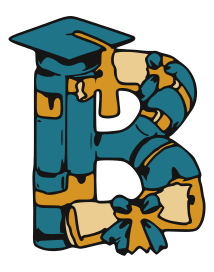 B
 C
 D
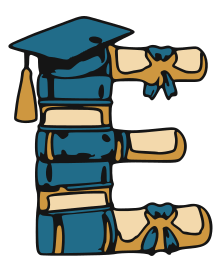 E
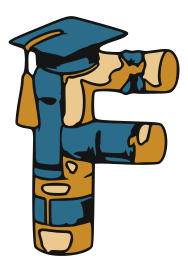 F
 G
 H
 I
 J
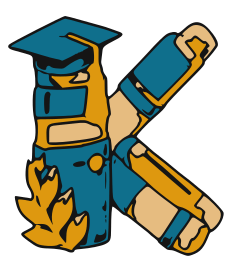 K
 L
 M
 N
 O
 P
 Q
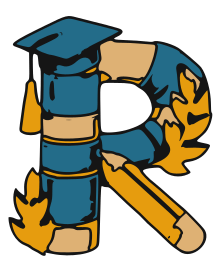 R
 S
 T
 U
 V
 W
 X
 Y
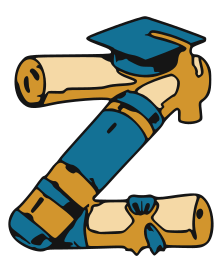 Z
 0
 1
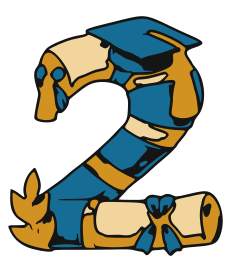 2
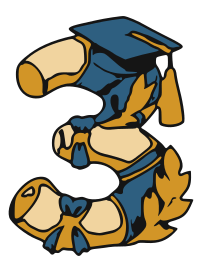 3
 4
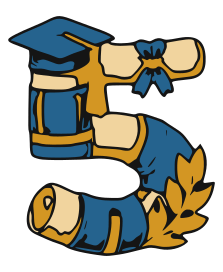 5
 6
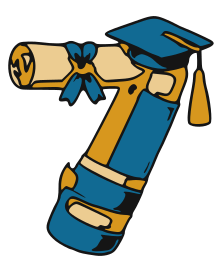 7
 8
 9
A few ways to use your lettering.
Create a seasonal greeting or family name for your own Christmas, Thanksgiving, or New Year card.
Make it yours ↗Make short TO and FROM messages, then add the transparent lettering to your own tag layout.
Make it yours ↗Turn a first name, nickname, or family name into a personal picture with an illustrated alphabet.
Make it yours ↗Use the graduation lettering style to make a name picture, class-year greeting, or proud congratulations. The matching alphabet and numbers keep a short design consistent.
The free maker saves your personal greeting as one PNG picture. For individual SVG letters, explore the Etsy craft collections and check the listing’s included files and license. For installable typing fonts, preview the holiday font collection and its release status.
Tap Share picture to open your device’s sharing options when supported. You can also tap Save image and attach the downloaded PNG in your messaging app. What you send is one picture of the finished lettering.
No editable text box is needed. Use the illustrated keys on this page to compose your message. A computer’s physical keyboard also works. This maker opens in your browser; it does not replace the keyboard inside other apps.
Save image creates a PNG picture, not a TTF or OTF font file. A downloadable typing font is a separate product. Our Etsy craft collections contain individual SVG letter graphics; check the listing for the included file types.
These styles use uppercase A–Z artwork, digits 0–9, punctuation, and a few symbols. Lowercase input from a physical keyboard uses the matching uppercase design. The maker supports up to 72 characters for short greetings and names.
On iPhone, open this site in Safari, tap Share, then Add to Home Screen. On Android, use your browser’s Add to Home screen or Install app option when available. The maker remains a separate page for creating and sharing pictures.
The original Font & Center illustrations were created with AI assistance and prepared as outlined vector letter designs. The maker uses those designs with consistent letter height and spacing. Font and app compatibility are separate from the PNG picture export.